Contribute depot keys and games to help grow the manifest library. Choose how you want to donate below.
Depot Dumper
DownloadHow it works
Download the dumper
Get the tool and run it on your machine.

Open it and log in
Launch the tool and sign in with your Steam credentials. It will start extracting your tokens and depot keys.
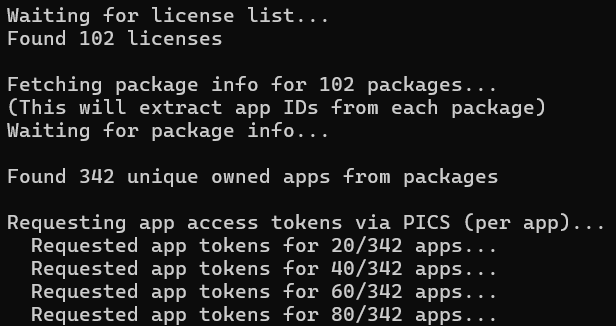
Wait for it to finish
When extraction is done, the tool can upload automatically. You can also upload the JSON file below.
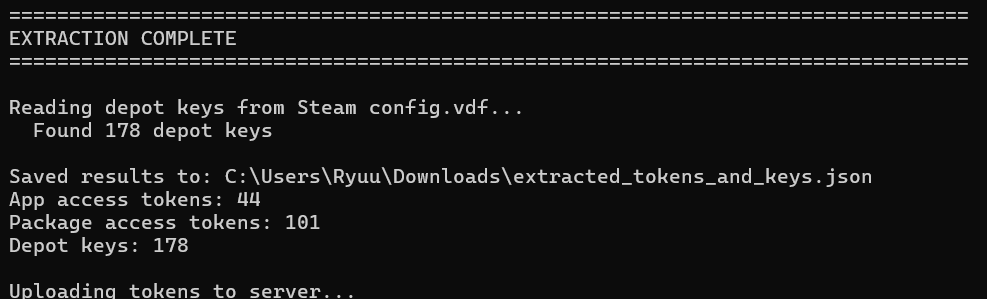
Upload your tokens
Select the .json file the dumper created. You must be logged in to upload.
Upload files only (config.vdf, lua, zip, manifests) or fill in game details manually. App ID is only required to block duplicates for games already on the site.
How to donate a game
App ID and game name (optional)
Skip this if your upload already includes a appid.lua or formatted lua. Otherwise use the Steam store appid and display name.
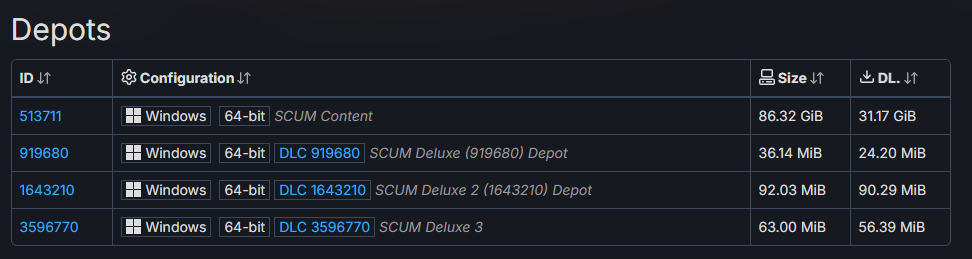
Find depots on SteamDB
See which depots the game has (or which you own) at steamdb.info | replace 500 with your appid.
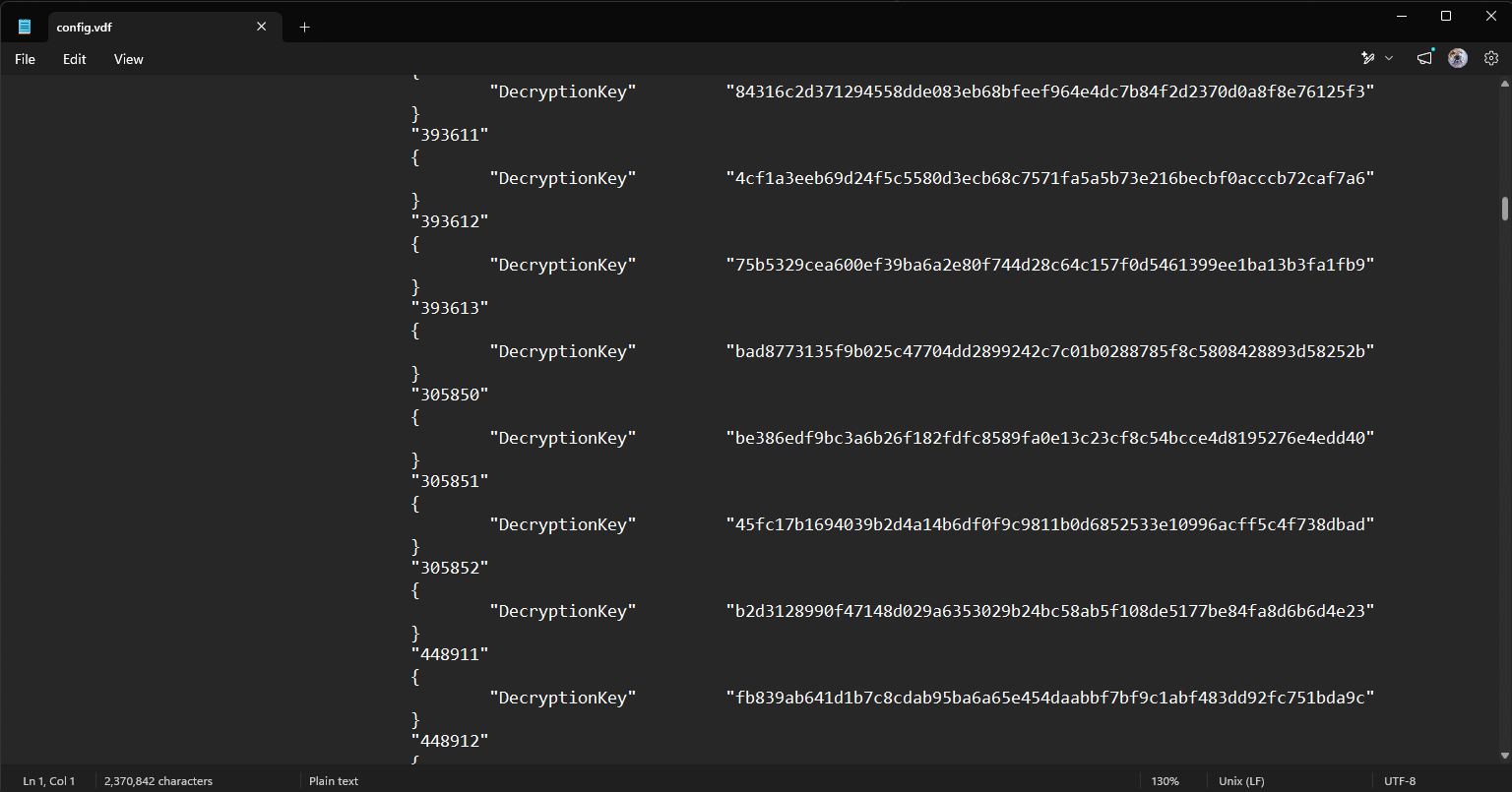
Open config.vdf
Open C:\Program Files (x86)\Steam\config\config.vdf in a text editor.
Copy the depot key
Scroll down and find the 64-character hex key for each depot you need.
Submit
Upload config.vdf, .lua, .zip, and/or .manifest files by themselves, or optionally fill in app ID, game name, and depot keys below.